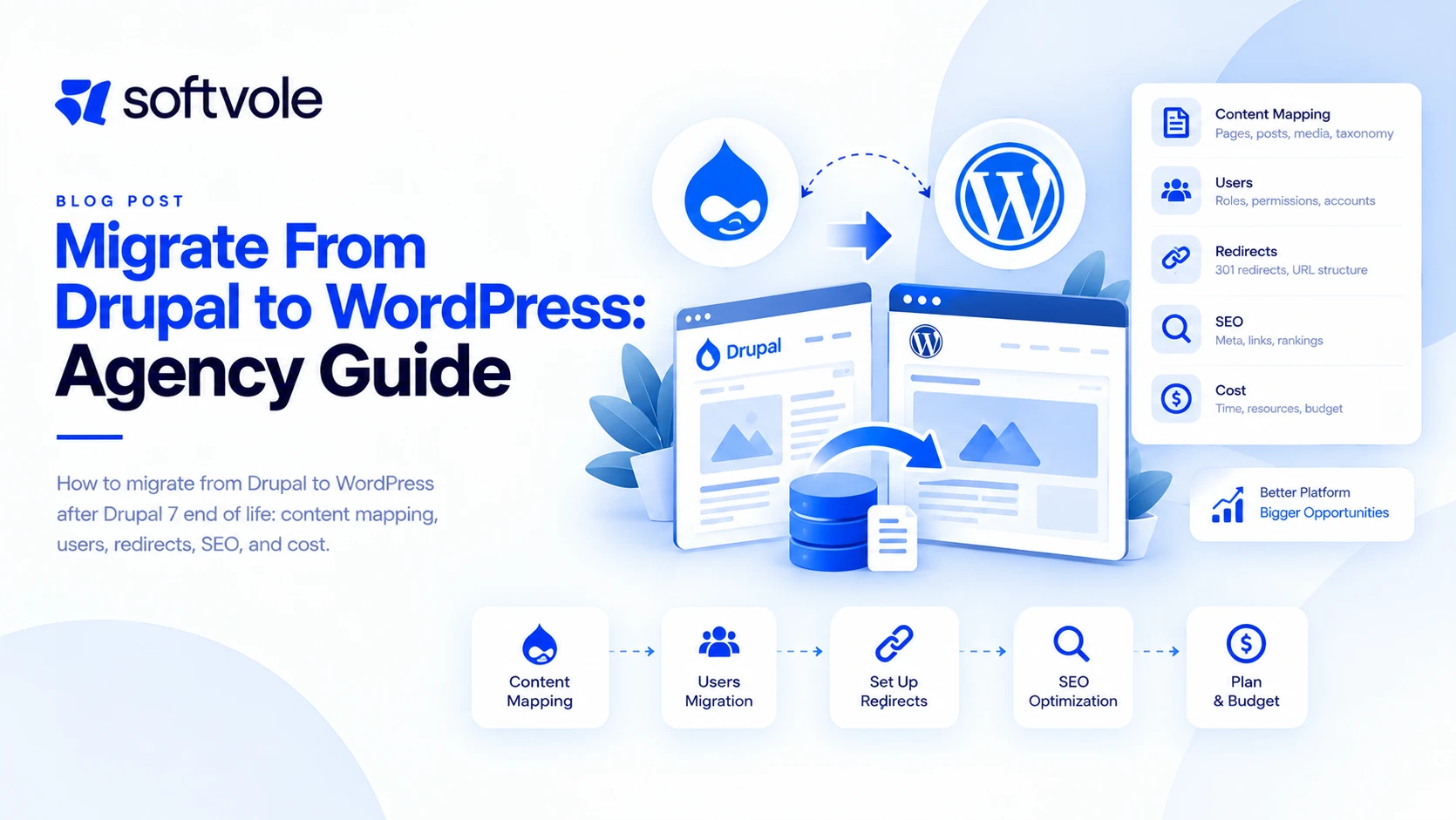
Many agencies inherited Drupal 7 sites that stopped receiving community security support on January 5, 2025. When clients ask to migrate from Drupal to WordPress, the hard part is not moving text. It is mapping content types, preserving URLs, and keeping editors productive. This guide covers the decisions, the steps, and realistic costs.
Why Agencies Migrate From Drupal to WordPress
When it makes sense to migrate from Drupal to WordPress
Drupal is powerful, but for marketing sites it often means higher development costs and a harder editing experience. The end of Drupal 7 support forced a choice: rebuild on modern Drupal, pay for extended support, or move to another platform. For many brochure, lead generation, and content sites, WordPress is the lower-cost choice for the next five years.
Short answer: Audit the Drupal site, map content types and fields to WordPress post types and custom fields, build the WordPress theme, import content with a script or migration tool, migrate users, set 301 redirects for every changed URL, test, and launch with Search Console monitoring.
| Situation | Better fit |
|---|---|
| Marketing site, blog, lead generation | WordPress |
| Small in-house team that edits content daily | WordPress |
| Complex permissions across many departments | Either, depending on budget |
| Heavy custom data modeling with existing Drupal developers | Modern Drupal |
Step 1: Audit and Map the Content
Inventory every content type, field, view, taxonomy, and module. Then decide where each one lands in WordPress.
| Drupal | WordPress equivalent |
|---|---|
| Content types (Article, Basic page) | Posts, Pages, or custom post types |
| Fields | Custom fields (for example ACF) or block attributes |
| Taxonomy vocabularies | Categories, tags, or custom taxonomies |
| Views | Query loops, archive templates, or custom blocks |
| Paragraphs | Gutenberg blocks and patterns |
| Webform | A form plugin with CRM integration |
| Path aliases | Permalinks plus 301 redirects |
This is also the right time to drop content nobody reads. Use analytics and Search Console to find pages with no traffic and no links, then agree with the client what to keep. Our guide to designing website structure helps rebuild the information architecture.
Step 2: Build the WordPress Site
Build the theme and blocks before importing content, so imported content lands in its final structure. A custom block theme keeps editing simple and avoids replacing one complex system with another.
Step 3: Import Content, Media, and Users
Content and media
For small sites, a migration plugin or CSV import is enough. For larger sites, a custom script that reads the Drupal database and writes through the WordPress REST API or WP-CLI gives full control over fields, relationships, and media.
Users and passwords
Drupal stores passwords with its own hashing. Either force a password reset on first login, or use a compatibility approach that verifies Drupal hashes and rehashes on login. Tell the client which option you chose before launch.
Internal links and embedded media
Rewrite internal links in body content to the new URLs, and check that inline images point to the WordPress media library rather than the old server.
Step 4: Protect Rankings
- Export every indexed URL from Search Console and a full crawl.
- Keep the same URLs where possible. Otherwise map each one to its closest new page with a 301.
- Carry over titles, meta descriptions, and canonical tags.
- Follow Google’s site move guidance if the domain changes.
- Run a WordPress SEO checklist before launch.
How Much a Drupal to WordPress Migration Costs
| Site size | Typical scope | Typical cost | Timeline |
|---|---|---|---|
| Small | Under 100 pages, 2 to 3 content types | $4,000 to $9,000 | 3 to 5 weeks |
| Medium | 100 to 1,000 pages, users, forms | $9,000 to $25,000 | 5 to 10 weeks |
| Large | 1,000+ pages, complex relationships, integrations | $25,000+ | 10+ weeks |
Ranges include a new theme. A like-for-like rebuild of an existing design sits at the lower end. For a detailed breakdown, see our WordPress website cost guide, or check Softvole’s fixed starting prices.
Step 5: Launch and Monitor
Launch during a quiet period, keep the Drupal site available in read-only mode for reference, and monitor 404s and Search Console coverage daily for two weeks. Then move the site onto a maintenance plan so it never drifts into an unsupported state again.
Common Migration Risks
| Risk | Prevention |
|---|---|
| Lost field data | Field-by-field mapping document signed off before import |
| Broken embedded media | Rewrite media paths during import and scan for old domains |
| Ranking drops | Complete redirect map and post-launch 404 monitoring |
| Editor confusion | Training on the new editor plus written guides |
| Missed functionality | Module inventory with WordPress equivalent for each |
Preparing Editors for WordPress
Drupal editors often expect complex forms with many fields. WordPress block editing feels freer, which is good for speed and risky for consistency. Lock patterns for repeated layouts, keep structured data in custom fields, and record a short walkthrough for each content type. A well-built block theme gives editors freedom inside guardrails.
Your Three Options After Drupal 7
Clients on Drupal 7 usually face three paths. Laying them out side by side helps them make a decision instead of postponing it.
| Option | What it involves | Best for | Main drawback |
|---|---|---|---|
| Extended support vendor | Paid security patches for Drupal 7 | Organizations needing time to plan | Delays the decision and adds cost without improving the site |
| Upgrade to modern Drupal | Rebuild on the current Drupal major version | Complex data models and in-house Drupal skills | Often similar effort to a full rebuild |
| Move to WordPress | Rebuild on WordPress and migrate content | Marketing, content, and lead generation sites | Requires content mapping and editor retraining |
A modern Drupal upgrade from version 7 is not a simple update. The architecture changed so much that it is effectively a rebuild, which is why many organizations treat the decision as a fresh platform choice.
Mapping Common Drupal Modules to WordPress
| Drupal module or feature | WordPress approach |
|---|---|
| Pathauto | Permalink settings plus custom rewrite rules where needed |
| Redirect module | A redirect manager plugin or server-level redirects |
| Metatag | An SEO plugin with per-page fields |
| Webform | A form plugin with conditional logic and CRM add-ons |
| Views (listings) | Query Loop block, archive templates, or a custom block |
| Paragraphs | Block patterns and custom blocks |
| Workbench moderation | Editorial workflow plugin or custom statuses |
| Multilingual (i18n) | A translation plugin with separate language URLs |
| Organic Groups | Membership or community plugin, or multisite for separate spaces |
Migration Scripts vs Plugins
Off-the-shelf migration tools work for small sites with standard content: articles, pages, tags, and images. They struggle with field collections, entity references, Paragraphs, and multilingual content. A custom migration script reads the Drupal database directly and writes into WordPress with full control over mapping. It costs more upfront but can be run repeatedly, which matters for larger sites where content keeps changing until launch.
A practical approach for medium sites: write the script, run it against a copy of production, review a sample of every content type with the client, adjust the mapping, then re-run it. Repeat until the sample review passes. On launch day, run it one final time against fresh production data.
Planning the Content Freeze
Drupal sites often have active editors. If they keep publishing during the migration, content created after the final import is lost. Agree on a freeze period, typically one to three business days before launch. For sites that cannot stop publishing, run a delta import that picks up nodes changed after a timestamp. Either way, write the freeze into the project plan so editors know in advance.
User Acceptance Testing
Ask the client’s editors to test real tasks, not just browse pages. A good acceptance test includes creating and publishing a page, editing a migrated article, uploading an image, updating a menu, submitting each form, and checking that a sample of old URLs redirect correctly. Give them a simple checklist and a deadline. Problems found by editors before launch are cheap; problems found by visitors after launch are not.
Governance After the Move
Drupal sites often had strict permissions and approval workflows. Before launch, decide who can publish, who can edit menus, and who can install plugins. WordPress roles cover most needs; add an editorial workflow plugin only if approvals are required. Document these decisions, because the people who configured Drupal permissions years ago may no longer be around to explain why they existed.
Drupal to WordPress Launch Checklist
- Every content type sampled and approved by the client.
- Redirect map tested on the top 100 URLs by traffic.
- Users imported and login method confirmed.
- Forms delivering to the correct inboxes and CRM.
- Media paths pointing to WordPress, no references to the old domain.
- Sitemap submitted and Search Console monitored.
- Editors trained and documentation delivered.
- Drupal site archived read-only for reference.
The Cost of Staying on Drupal 7
Postponing a migration feels cheaper but carries growing costs. Hosting providers phase out older PHP versions that Drupal 7 depends on, forcing either expensive legacy hosting or risky upgrades. Contributed modules no longer receive community fixes. Developers with Drupal 7 experience become scarcer and more expensive. Security insurers and enterprise clients increasingly ask about unsupported software. Each year of delay also adds content that must eventually be migrated. Put these costs next to the migration quote so the decision is made with the full picture.
Example Redirect Mapping
| Old Drupal URL | New WordPress URL | Note |
|---|---|---|
| /node/482 | /services/tax-planning/ | Raw node path, map by node ID |
| /content/tax-planning-services | /services/tax-planning/ | Path alias, same destination |
| /news/2019/03/office-move | /news/office-move/ | Date removed from permanent URL |
| /taxonomy/term/12 | /category/small-business/ | Term ID mapped to category |
| /sites/default/files/guide.pdf | /wp-content/uploads/guide.pdf | File path redirect for linked PDFs |
Drupal often serves the same page at both a node path and an alias. Redirect both, because external sites may link to either one.
Who You Need on a Migration Team
Even a modest migration benefits from clear roles: a project lead who owns the timeline and client communication, a developer who writes the migration and builds the theme, an SEO lead who owns the URL inventory and redirect map, and a client-side content owner who approves samples and answers questions about legacy content. On small projects one person may cover two roles, but every role should be assigned by name.
The First Ninety Days After Migration
Expect editors to need support in the first weeks, so schedule short check-ins and collect questions into an updated guide. Watch Search Console for crawl errors on old Drupal paths that were missed in the redirect map, and add redirects as they appear. Review analytics for pages whose traffic dropped and compare their content and internal links with the old versions. After ninety days, run a short review with the client covering traffic, conversions, editor feedback, and remaining improvements, then move the site onto routine care.
+48%